


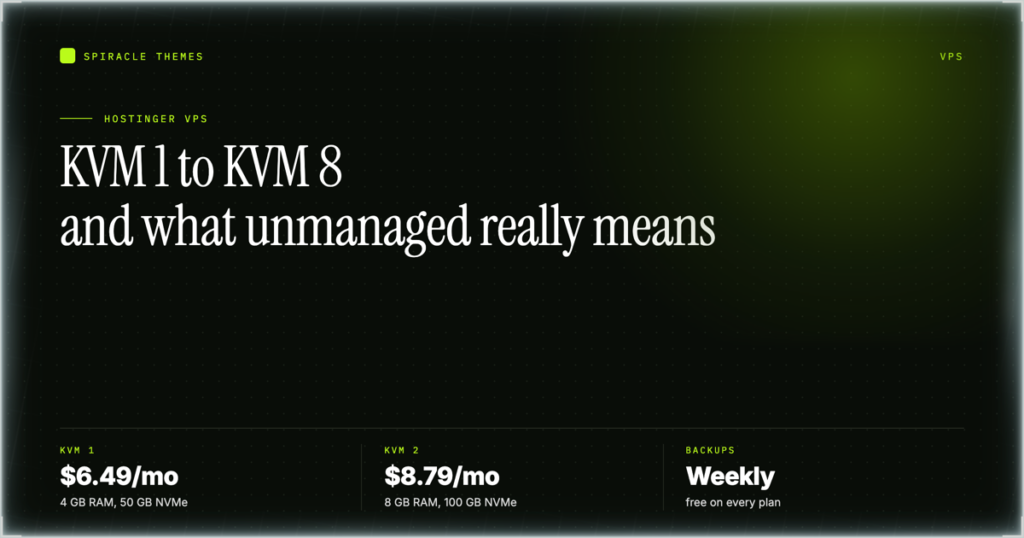
Hostinger’s VPS line is called KVM, it comes in four sizes, and the smallest one starts at $6.49/mo on a 24-month term for 4 GB of RAM and 50 GB of NVMe storage. The important part is not the price — it is the word unmanaged. You get a server and root access, and every piece of software on it is your responsibility. This guide covers what each KVM plan actually contains, what you have to install yourself, and the cases where shared hosting is the better buy.
The four KVM plans, side by side
Prices below were read from Hostinger’s VPS page on 10 November 2026, during its current promotion, on the 24-month term. The list price is the non-promotional rate; the renewal is what you pay per month when the term renews.
| Plan | vCPU | RAM | NVMe | Bandwidth | Promo | List | Renews at |
|---|---|---|---|---|---|---|---|
| KVM 1 | 1 core | 4 GB | 50 GB | 4 TB | $6.49/mo | $19.49/mo | $11.99/mo |
| KVM 2 | 2 cores | 8 GB | 100 GB | 8 TB | $8.79/mo | $24.49/mo | $14.99/mo |
| KVM 4 | 4 cores | 16 GB | 200 GB | 16 TB | $12.99/mo | $42.99/mo | $28.99/mo |
| KVM 8 | 8 cores | 32 GB | 400 GB | 32 TB | $25.99/mo | $73.99/mo | $49.99/mo |
Two things to read carefully in that table. The up-front totals are not the monthly price multiplied by 24 — KVM 1 is $155.76 for the full 24 months, KVM 2 is $210.96, KVM 4 is $311.76 and KVM 8 is $623.76. And the renewal rate is roughly double the promo rate, so the honest comparison is against the renewal column, not the headline number.
What “unmanaged” actually means here
Hostinger states plainly that on a VPS, installing and updating the operating system and applications, creating a DNS zone, setting up a mail server and installing SSL are all done manually. That is four separate jobs, and each one is a real decision rather than a checkbox:
| Job | What you do | What happens if you skip it |
|---|---|---|
| Operating system and applications | Choose an OS template at setup, then install and keep updating your stack | Unpatched software, and no one upstream who will patch it for you |
| DNS zone | Create the zone for your domain on the server side, or point the domain’s DNS at it | The domain resolves nowhere, even though the server is running fine |
| Mail server | Install and configure one, including SPF, DKIM and DMARC records | No email — and a badly configured mail server gets your IP blacklisted |
| SSL | Issue and renew certificates | Browser warnings, and forms that silently stop submitting |
Hostinger does provide an AI assistant called Agent that can walk you through these tasks step by step, and the plans include an AI web terminal. That is help with the work, not a managed service — nobody is going to notice at 2 a.m. that your certificate expired.
How you buy one and get it running
- Pick a plan on Hostinger’s VPS page and complete checkout.
- Go to the VPS section of the Hostinger dashboard and click Setup.
- Choose the server location — pick the one closest to the visitors you expect, because this is the single decision you cannot change cheaply later.
- Choose the operating system. A plain Linux template leaves you the most control and the most work; an application template gets you to a running stack faster with less of it exposed.
- Create your DNS zone (see the DNS zone walkthrough below) and install SSL before you announce the site anywhere.
If you already have a shared plan with Hostinger, you can upgrade to VPS instead of buying a second product. Do that only after you know what you are moving: an upgrade carries your plan forward, but the server itself still arrives empty.
Choosing between the four sizes? Check the current VPS plans and specs — KVM 1 is 4 GB RAM and 50 GB NVMe from $6.49/mo on a 24-month term, which is the right starting point for a single site or a small set of containers.
When a VPS is the right call
- You need root. Custom daemons, non-PHP runtimes, a specific kernel module, a database version shared hosting will not give you.
- You are running containers. Docker and friends need a machine you control, not a per-site sandbox.
- You need predictable resources. Neighbours on shared hosting affect you; on a KVM plan the RAM and CPU cores listed are yours.
- You are hosting more than a handful of sites and want one bill and one place to manage them.
- You are doing something shared hosting forbids — long-running processes, custom mail, VPN endpoints, build agents.
When it is the wrong call
If you are running one WordPress site, a VPS is usually more work than it is worth. You inherit patching, backups, mail and certificates, and the performance difference against a well-cached shared plan is smaller than the spec sheet suggests. A Premium shared plan at $1.99/mo on a 48-month term carries the websites, the mailbox allowance, the CDN and the backups — see the Hostinger plan comparison for how the tiers differ. The VPS starts making sense when the monthly cost of your own time stops being free.
There is one more practical case: you want to learn server administration. A KVM 1 at $6.49/mo is a legitimate, cheap place to break things — and the free weekly backups included on every KVM plan mean you can break them without losing the whole server.
Backups, and the refund rule that catches people out
Every KVM plan includes free weekly backups. Weekly is not daily: if your last backup was six days ago, restoring loses six days of content. If the site matters, set up your own snapshot schedule inside the OS rather than relying on the included backup alone.
The refund rule is worth stating before you buy, because it is asymmetric. New KVM VPS purchases and renewals fall inside Hostinger’s 30-day money-back guarantee. Upgrades of KVM VPS plans are explicitly excluded from that guarantee. So sizing up later is not a reversible decision in the way the original purchase is — buy the plan you think you will need for the term, not the one you can grow into.
| Action | Inside the 30-day guarantee? |
|---|---|
| New KVM VPS purchase | Yes |
| KVM VPS renewal | Yes |
| Upgrade of an existing KVM VPS | No |
| VPS Control Panel licence | No |
Where the DNS zone fits in
A fresh VPS has no DNS zone. Hostinger shows the assigned nameservers for your server under VPS, then Manage, then DNS Manager in the sidebar — and for domains registered with Hostinger those nameservers are assigned automatically. For an external domain you either point its nameservers at those values or keep the registrar’s DNS and create your own A records. The full walkthrough is in Hostinger DNS settings, and the value side is covered in Hostinger nameservers.
Do this before you install anything the public will touch. A server that answers on its IP but not on its domain looks like a broken VPS when it is really an unfinished DNS job.
Ready to size one? Compare the KVM plans side by side — KVM 2 doubles the cores and RAM to 2 vCPU and 8 GB for $8.79/mo on a 24-month term, which is the usual sweet spot for a handful of sites or a small container stack.
Frequently asked questions
Is Hostinger VPS managed or unmanaged?
Unmanaged. Installing and updating the operating system and applications, creating a DNS zone, setting up a mail server and installing SSL are all your responsibility. Hostinger provides an AI assistant called Agent to guide you through the steps, but the server itself is not monitored or patched for you.
What is the cheapest Hostinger VPS?
KVM 1: 1 vCPU core, 4 GB RAM, 50 GB NVMe storage and 4 TB bandwidth. On 10 November 2026 it was $6.49/mo on a 24-month term ($155.76 up front), with a list price of $19.49/mo and a renewal rate of $11.99/mo.
Can I upgrade from shared hosting to a VPS?
Yes, existing Hostinger customers can upgrade to VPS rather than buying a separate product. Remember that the upgrade itself is not covered by the 30-day money-back guarantee, even though a new VPS purchase is.
Does a Hostinger VPS include email?
No, not in the managed sense. You can install a mail server yourself, and you must also publish the matching SPF, DKIM and DMARC records. If you want mail without running a mail server, keep email on a Hostinger Email or Titan plan instead.
What is included on every KVM plan?
Free weekly backups and an AI web terminal, on all four sizes. Weekly backups are the floor, not a daily snapshot policy — if you need point-in-time recovery, schedule your own inside the OS.
A VPS is a trade of money for control and control for responsibility. Buy it when you actually want the responsibility, size it for the term rather than the launch week, and set up your own backups on day one.