

The short answer: The best WordPress chat plugin depends on the channel you need. Tidio suits a combined live chat and chatbot, Chaty suits a single floating button that opens WhatsApp, Messenger or Telegram, Crisp suits a shared team inbox, and 3CX or LiveChat suit larger support teams. All are free to start; cost scales with the number of agents and conversation volume.
Are you planning to add live chat functionality to your WordPress site? Go for it! This will help your website to get more user engagement. But if you do not know how to add live chat to a WordPress site, we will help you with that. There are many WordPress chat plugins that you can use to add live chat support to your business site. In this article, we have come up with a list of the top 15 best WordPress chat plugins you should consider using. All these plugins are easy-to-use and immensely popular among WordPress users. You can use any of them, the choice is yours.
Importance of Chat Support
Businesses these days are very serious about delivering the best customer service. This will help them increase their customer engagement around their brand. And when it comes to customer engagement, live chat is one of the most successful strategies of all time. Having a live chat option on your business site is one of the most efficient and easiest ways to communicate with your customers online. It allows visitors and the chat operator, or site administrator, to view the same page and easily communicate on the required topic in real-time.
In addition, chat operators can interact with multiple visitors at the same time due to which the efficiency of product promotion is positively affected. This helps in increasing sales, leads, and customer engagement. Your customers can get really quick answers by using the live chat feature so that they will not have to wait much for email replies.
Best WordPress Chat Plugins
If you want to add a live chat option on your WordPress site, you can easily do that by using a WordPress chat plugin. The best part is that it does not require any coding knowledge to add additional functionalities to your site if you use a WordPress plugin. There are many WordPress chat plugins available in the directory. You might get confused while choosing the right chat plugin as there are too many choices.
you don’t need to be confused, here we will tell you about the Top 15 WordPress chat plugins and their features so that you can choose the right chat plugin as per your requirement.
Read – Top 15 Best WordPress Quiz Plugins to Increase User Engagement
#1 – Tidio Plugin
Tidio holds the #1 position on our list of the top WordPress chat plugins. It is the best Live Chat, Chatbots, and Email Integration plugin for WordPress. It works as a multi-functional and world-class customer service platform that offers a wide range of features to generate more leads and sales. It is a completely free WordPress plugin so you get all the features for free.

The plugin has live chat and chatbots as well as a messenger and email integration so managing all these channels in one place becomes easy for you. The chatbot provided by this plugin helps you increase your online sales in your eCommerce store by acting as a virtual assistant available 24×7.
Tidio has over 100,000 active installations, making it one of the best and most popular WordPress chat plugins. So if you are looking for a simple live chat plugin for your WordPress website, then Tidio is one of the best options for you.
Read – How to Add Live Chat to Your Website for Free
#2 – Facebook Chat Plugin
Facebook Chat plugin is another great solution to connect with customers on your WordPress site through a live chat. You can easily install the plugin and add the live chat option to your website within a few minutes. After adding live chat support to your website, your visitors can message you directly from the live chat.

Additionally, chats initiated on your website can be continued in customers’ Messenger apps. So that you never lose the connection with your customers. This plugin also allows people who do not have a Facebook Messenger account to chat in guest mode.
Facebook Chat plugin is a free WordPress chat plugin provided by Facebook. Over 100,000 WordPress sites are currently using this plugin to provide hassle-free live chat support to their customers.
Read – Add Live Chat to Your Website with Messenger
#3 – Chaty Plugin
The next WordPress chat plugin on our list is Chaty, a floating chat widget. It allows you to chat with your site visitors via their favorite channels. There are 19 different chat channels supported by this plugin, such as Messenger, WhatsApp, Telegram, and many more. It provides you with features like a social chat button and a click-to-call button to get more leads and calls.

The Chaty plugin allows you to display floating chat widgets on your WordPress site, such as Call Widget, Email Button, Whatsapp Button, SMS Button, Google Maps Button, TikTok, Vkontakte Button, Viber Button, Line.me Button, and other chat widgets. By displaying these chat widgets, your visitors can contact you easily and instantly. And when they leave your website, they can still chat with you.
There are over 100,000 WordPress sites currently using Chaty to manage their live chat support, making it one of the best and most trusted WordPress chat plugins of all time.
Read – How to Use Chaty
#4 – Social Chat Plugin
Social Chat is another great WordPress chat plugin that allows your site visitors to contact you directly from their smartphones to your WhatsApp phone number. The plugin provides you with an option called “pre-set message”. Using this option, you can add a predefined message that automatically becomes the first message in the conversation.

Social Chat allows your visitors to send a message directly to your phone number. To start configuring it, you need to go to the tab within the WhatsApp chat section which you will find in its admin dashboard. The plugin also allows you to add a box where you can show some contact details along with a personalized message.
Over 100,000 WordPress sites are currently using this Social Chat, making it one of the most popular WordPress chat plugins. If you are looking for an effective way to generate leads and increase your overall sales, you must use the Social Chat plugin.
Read – Add WhatsApp Chat to WordPress
#5 – 3CX Live Chat Plugin
If you are looking for a free live chat plugin for your WordPress site, 3CX Live Chat is one of the best options for you. It allows you to connect with your website visitors for free. With over 40,000 active installations, 3CX Live Chat is one of the most popular, reliable, and effective WordPress Chat plugins. By using this plugin, you can increase conversions and boost customer satisfaction by communicating directly with your website visitors in real-time.

The 3CX Live Chat plugin allows you to create a custom offline message form. It provides storage to save offline messages. You can integrate with 3CX for a multichannel communications suite including voice and video. You can also transfer chats to other agents. The plugin also helps you reduce the cost of the customer support system.
Read – 3CX Live Chat Review
#6 – Crisp Live Chat Plugin
Crisp Live Chat is the perfect live chat plugin for your WordPress site through which you can convert your visitors into leads. By using this plugin, you can grow your email list and generate more leads than ever. Crisp Live Chat allows you to add different types of live chat modules to your WordPress sites, such as Support Live Chat, Sales Live Chat, Marketing Live Chat, and automated chatbot.

The Crisp Live Chat plugin comes with features like Live Chat, Desktop App, Availability Schedule, Real-time Notifications, and Mobile App. You can use all these features immediately without any developer assistance. It is a free and must-have plugin for your business website.
Adding live chat support on your WordPress site can enhance your customer relationship, and Crisp Live Chat is one of the best WordPress chat plugins. And that is why over 30,000 WordPress sites are currently using this plugin to improve their customer experience.
Read – How to Install Crisp Live chat Plugin on WordPress
#7 – LiveChat Plugin
LiveChat is among the best WordPress chat plugins to increase online sales and improve customer service. By using this plugin, you can easily add live chat support to your WordPress site without requiring any prior coding knowledge. You can instantly start conversations with your on-site visitors and customers, and resolve their issues and queries efficiently.
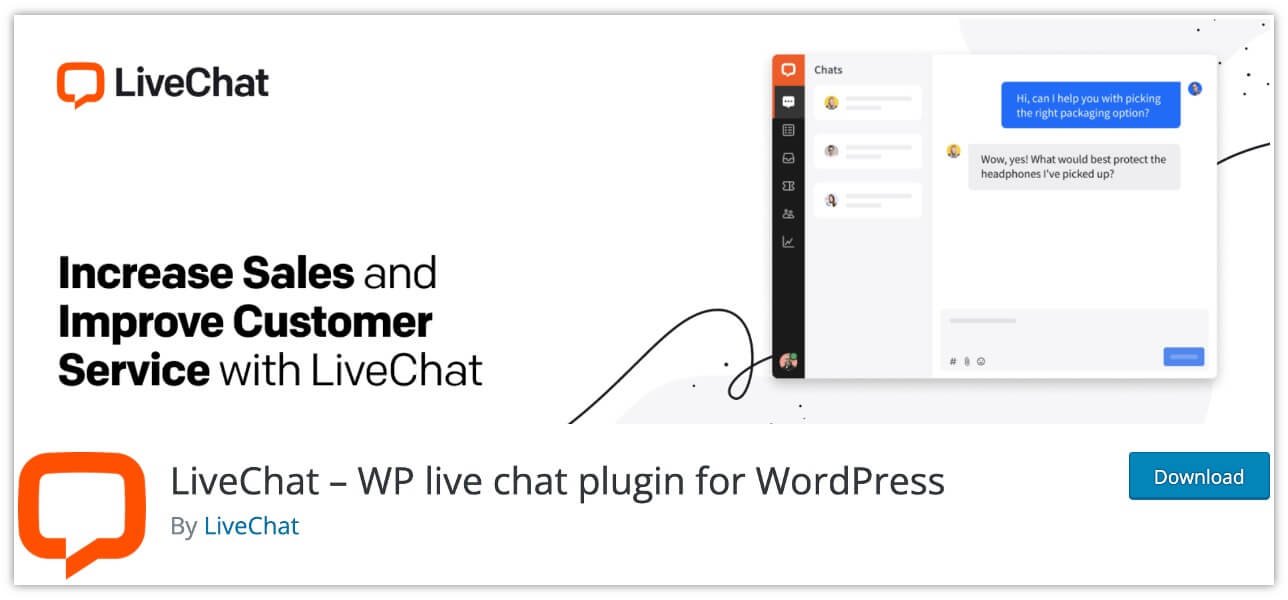
LiveChat is a fully functional WordPress live chat plugin that allows you to add a survey and a proposal to evaluate the advisor’s response, before or after the chat conversation. It also allows you to transfer the chat to another employee while still communicating with the client. You can also use it to exchange files, preview client messages, and configure standard replies.
With over 20,000 active installations and an impressive user rating, LiveChat is a great chat solution for your WordPress site. So if you want to increase your online sales and build a strong customer relationship, you must consider using this plugin.
Read – Add LiveChat to Your WordPress Site
#8 – Pure Chat Plugin
If you are running a small business and looking for a good live chat plugin for your WordPress site, Pure Chat by Ruby is the best option for you. The plugin is specially designed for small businesses. It allows you to chat with multiple customers at the same by organizing tabs in the chat window. You can also chat with other team members, and multiple team members can join the chat with the customer.

The plugin allows you to assign widgets to departments and direct visitors to the correct department. You can categorize visitors and set them up for different access levels which will help you manage your team. The pro version of Pure Chat provides you with visitor tracking, real-time analytics, and contact tracking features.
Pure Chat is an easy-to-use plugin. You can easily install the plugin and then add live chat support to your WordPress site without requiring any coding knowledge.
Read – Add Live Chat to Your WordPress Site in 3 Minutes
#9 – Formilla Live Chat Plugin
If you are looking for the most efficient way to communicate with your customers, you must try Formilla Live Chat. It is one of the top WordPress chat plugins. Currently, it has over 5,000 active installations. By using this plugin, you can easily add live chat support to your WordPress site so that your visitors can chat with you if they have any questions, queries, or if they need any support.
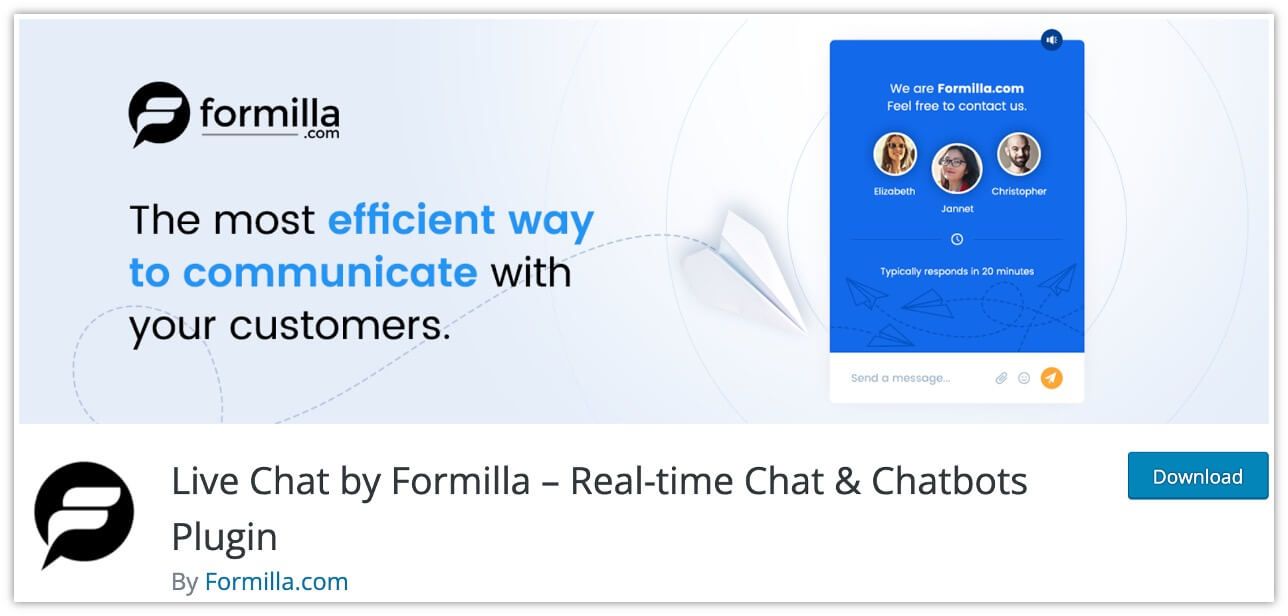
The plugin provides you with the complete infrastructure for direct communication on the website, such as native apps for desktop and mobile devices, a special widget for the mobile version of the site, log recording, group chat capabilities, and much more.
In addition, the Formilla Live Chat plugin allows you to create Custom Chat Bots, A.I. Chat Bots, and also it gives many options like Language Support, Marketing Automation, etc.
Read – How to Add a Live Chat Plugin
#10 – Simple Ajax Chat Plugin
Simple Ajaz Chat plugin, as the name suggests, is the simplest yet fully customizable live chat solution for your WordPress site. It allows your website visitors to chat with you so that they can get their issues or any queries resolved instantly. The plugin is quite easy to use, and it works well on all mobile devices which means your visitors can use your live chat support on their smartphones as well.

The best part of using Simple Ajax Chat is that you can load new chats without refreshing the page. You can also limit chats to logged-in users if you wish. The plugin also provides you with an option to disable the collection of IP data. It allows you to add a chat box in many places on your website. Also, you can export any chat messages from a CSV file.
Read – WordPress Plugin: Simple Ajax Chat
#11 – LiveChat Plugin for WooCommerce
If you are planning to add live chat to your WooCommerce site and looking for the best live chat plugin, LiveChat for WooCommerce is the best option for you. The plugin provides your customers with an option to contact you directly from your WooCommerce site. In this way, you can instantly resolve their queries, and increase their trust. And ultimately, this will help you grow your business.

The LiveChat plugin for WooCommerce comes with many useful features. You can set up automatic messages to contact customers when they are stuck on the checkout page. One of the key features is chat invitations through which you can increase customer engagement. The plugin allows you to find sales information by browsing visitor analytics, archives, and live chat surveys.
Read – WooCommerce: Add LiveChat to Your Store
#12 – Chaport Plugin
Chaport is a modern live chat cum chatbot plugin for your WordPress site that makes the process of communicating with your customers as simple and enjoyable as chatting with a friend. It supports multi-channel live chat which further influences the way they interact with their customers and serve their customers through chatbots. By using this plugin, you can easily integrate with other third-party applications and services via API or Zapier.

The Chaport plugin allows you to create chatbots that will automate your customer service. As a result, you can boost your conversion and capture more leads. It supports a multilingual chat widget that automatically switches to the native language of your visitors.
Watch – Add Live Chat To Your Website With Chaport
#13 – Customerly Live Chat Plugin
Customerly Live Chat is a free WordPress chat plugin that helps you increase sales and engagement with your online customers. This plugin has AI-integrated live chat that automatically helps your customers find their way. It provides you with the Canned Response feature that enables faster replying with chat previews.

You can sneak-peek at your customers’ messages as they type, and you can even find the right answers to respond quickly if you want. By using this plugin, you can enrich your chat messages as desired. You can use plain text as well as their built-in editor to generate compelling messages with font styles, inline images, and much more.
Read – How to Use Customerly Live Chat
#14 – onWebChat Plugin
The Live Chat plugin from onWebChat is a simple and easy way to integrate your WordPress site with the modern live chat system. It can also integrate easily with WooCommerce websites. The plugin allows you to add live chat support to your business site so that you can chat with your visitors in real-time. Besides, you can also monitor your website traffic and increase your conversion rate with live chat triggers.
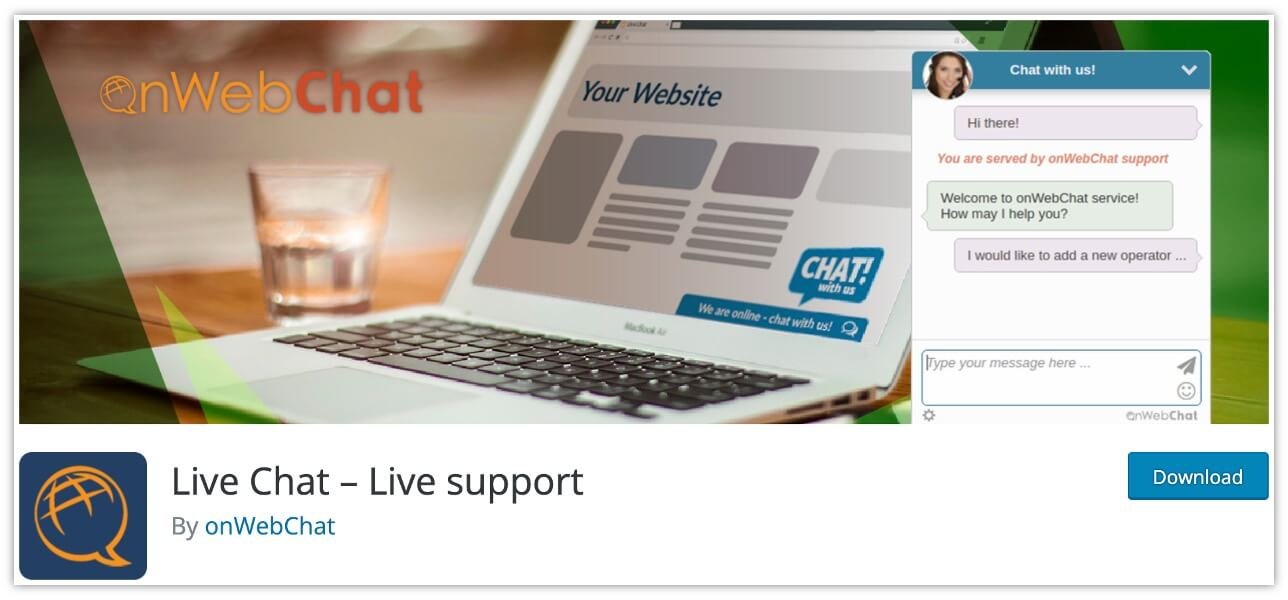
The onWebChat plugin provides you with fully customizable live chat widgets, i.e. you can easily customize colors, size, position, and texts as per your requirement. It has many useful features, such as forwarding new chats to the right operator, transferring chats between live chat operators, gaining typing insights in real-time (what your visitors are typing), etc.
Read – Learn How onWebChat Can Help Your Business
#15 – Sticky Chat Widget Plugin
The Sticky Chat Widget plugin is a great tool to get in touch with your customers directly. It allows your customers to contact you through various platforms like Facebook, Instagram, Facebook Messenger, Telegram, etc. By using this plugin, you can display a list of chat buttons anywhere on your WordPress site and give freedom to your customers to communicate with you easily in a matter of seconds.

Sticky Chat Widget is a fully customizable WordPress plugin which means you can easily customize almost everything, for example, you can set the position of the widget on your website, adjust its size, add a “call to action” button, customize the channel icons, select whether you want to show the live chat widget on the desktop, mobile or both.
Read – Sticky Chat Widget by Ginger Plugins
Conclusion
Having live chat support on your website or eCommerce store is truly helpful for your online business. It helps you increase user engagement, boost your conversion rate, and build loyal customers. In this article, we have discussed some of the best WordPress chat plugins that will help you add live chat support to your WordPress site without requiring any prior coding knowledge. Most of these plugins are free, and some of them are available with their premium version. You can select any of these WordPress chat plugins that perfectly meet your business requirements.
Hopefully, the article has helped you choose the right WordPress chat plugin for your business website. Which plugin do you like the most, please let us know in the comments section below.
Which WordPress chat plugin should you choose?
All 15 plugins above work. What separates them is whether you need human live chat, an automated chatbot, or simply a floating set of buttons that open WhatsApp, Telegram or Messenger. Shortlist with the table below, then install and test one.
| Plugin | Best for | Type |
|---|---|---|
| Tidio | A complete support desk: live chat + chatbots + email in one dashboard | Live chat + chatbot |
| 3CX Live Chat | Free live chat with no per-agent cost | Live chat |
| Crisp | Turning chats into leads and email subscribers | Live chat + chatbot |
| LiveChat | Sales-focused teams that want a full paid platform | Live chat |
| LiveChat for WooCommerce | Shops that want chat inside the product page | Live chat |
| Chaport | A modern chat + chatbot with a very simple setup | Live chat + chatbot |
| Customerly | AI-assisted support starting on a free plan | Live chat + chatbot |
| Pure Chat (Ruby) | Small businesses handling several chats at once | Live chat |
| Chaty | Floating buttons to 19 channels (WhatsApp, Telegram, Messenger…) | Buttons only |
| Social Chat | WhatsApp-only button with pre-set messages | Buttons only |
| Sticky Chat Widget | A sticky multi-platform contact widget | Buttons only |
| Simple Ajax Chat | Self-hosted chat with no third-party account | Self-hosted chat |
| Formilla | Bundling chat with surveys and feedback widgets | Live chat |
| onWebChat | Simple chat that also integrates with WooCommerce | Live chat |
Frequently asked questions
What is the best WordPress chat plugin?
Tidio takes our #1 spot because it combines live chat, chatbots and email in a single free-to-start dashboard, so you can begin with chat and add automation later without changing tools.
Are there free WordPress chat plugins?
Yes. 3CX Live Chat and Customerly both offer free plans, Simple Ajax Chat is free and self-hosted, and Tidio, Crisp and Chaport all have free tiers you can start on.
Can I add WhatsApp or Telegram chat to WordPress for free?
Yes — Chaty and Social Chat add floating buttons that open the visitor’s own WhatsApp or Telegram app. There is no chat operator and no monthly fee.
Which chat plugin is best for WooCommerce?
Choose LiveChat for WooCommerce if you want sales-focused chat inside the product page, or Chaty / Social Chat if a WhatsApp button is all your shop needs.
Do chat plugins slow down WordPress?
A full live-chat app loads an external script on every page. Button-only widgets such as Chaty and Social Chat are the lightest, because nothing loads until a visitor clicks. Re-run PageSpeed Insights after installing any of them.
Can visitors use live chat without creating an account?
Yes. Tidio, Crisp, 3CX and Chaport all let a visitor start chatting straight from the widget, with no sign-up required.
More free WordPress themes from Spiracle Themes
We build and maintain these free WordPress themes in-house — all lightweight, schema-ready and free to download:
- Colon WordPress Theme – lightweight multipurpose theme for blogs and business sites
- Own Shop – free WooCommerce theme with one-click demo import
- Blogson – free blog and magazine theme with clean typography
- Crater – free business theme for startups and agencies
- Krystal – free business theme with Elementor compatibility
- PawWell – free pet-store theme with WooCommerce support
See the full collection on our WordPress themes page, or compare what the Pro membership adds.
