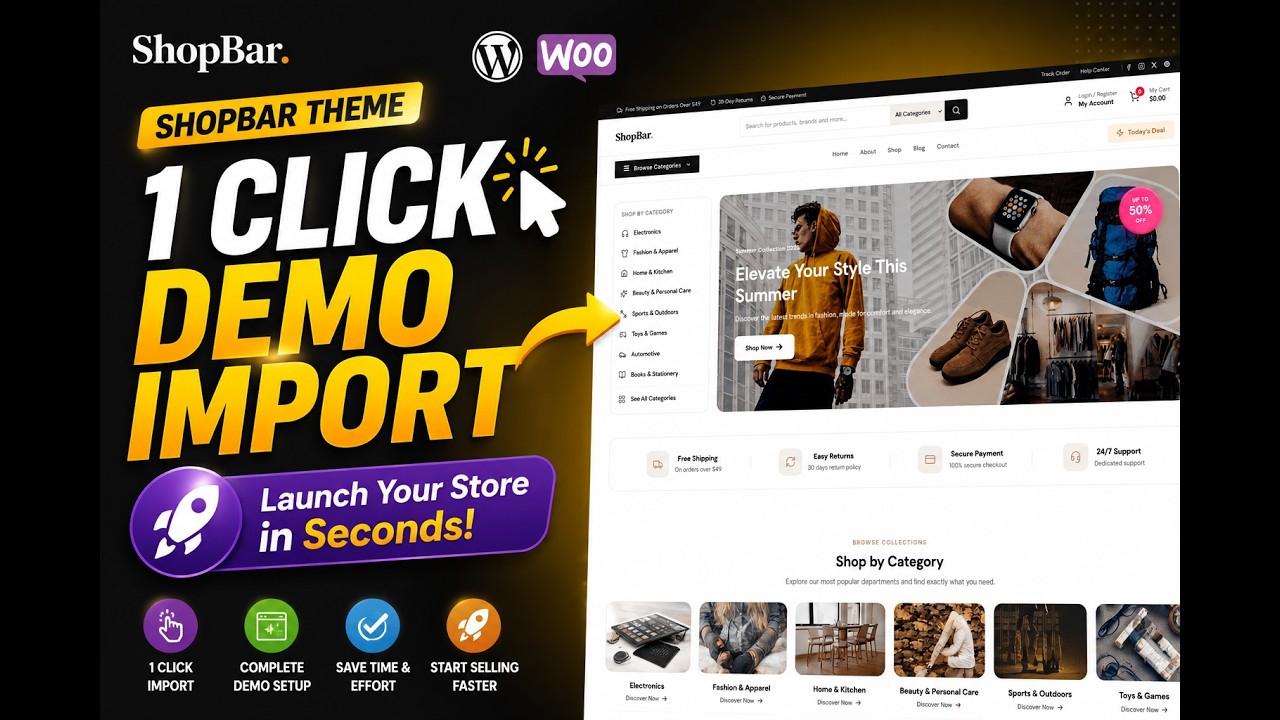
About This Theme
Available Demos

Why Choose ShopBar?
WooCommerce Ready
Seamlessly integrated with WooCommerce to build powerful online stores.
Elementor Compatible
Build stunning pages visually with seamless Elementor integration.
Translation Ready
Easily translate your website into any language and reach a global audience.
Customizer Ready
Personalize your website effortlessly with live customization options.
Who keeps ShopBar updated?
Themes don't maintain themselves. WordPress core, plugins and PHP versions move on, and a theme that worked last year can break quietly on a live site. If you would rather not babysit updates, our WordPress care plan handles tested updates, daily offsite backups, uptime monitoring and two hours of small changes a month, from $99.
See the maintenance plansWho ShopBar is for
ShopBar is a shop theme for stores that treat search and navigation as the primary way customers find products. It carries the same free commerce foundation as its siblings, and its Pro list leads with Ajax search and product filters, which tells you what it is optimised for: catalogues large enough that browsing needs help.
- Stores with enough SKUs that search is faster than browsing
- Shops where customers compare options before buying
- Owners who want filters available even before upgrading
What you can build with ShopBar
Free includes responsive design, WooCommerce compatibility, custom logo support, blog layouts, footer widgets, customizer options, translation readiness and page title settings. The structure is deliberately plain, which keeps product pages fast and lets photography carry the design.
- Responsive Design
- WooCommerce Compatibility
- Custom Logo Support
What the free version includes
These ship in the free version from WordPress.org.
- Responsive Design
- WooCommerce Compatibility
- Custom Logo Support
- Blog Layouts
- Footer Widgets
- Customizer Options
Pro targets discovery and conversion: Ajax search, quick view, wishlist, product compare, countdown timers, colour swatches, advanced product filters, product badge customisation, a sticky header, advanced typography and a second product image. See the ShopBar Pro add-ons.
How to install ShopBar
- Install ShopBar from the WordPress.org theme directory.
- Install WooCommerce and build your category structure before adding products.
- Add products with complete attributes, because filters and search rely on them being filled in.
- Set the logo and colours in the customizer and keep the header uncluttered.
- Test search and category navigation with a real customer's query, not your own product names.
If you are choosing between ShopBar and a sibling theme, the useful question is how customers will find products. On a small catalogue most visitors browse categories, and a simpler theme serves them just as well. Once the catalogue grows past the point where browsing stops working, search and filtering become the deciding factor, and that is exactly what the Pro add-ons are built to provide.
Frequently asked questions
Is ShopBar free?
Yes. It is free from WordPress.org under the GPL and can be used commercially. Pro add-ons cover search, filtering and conversion features.
Does the free version include product filters?
Advanced product filters, colour swatches and Ajax search are Pro features. The free theme provides the store layout, responsive design and WooCommerce compatibility that those features build on. If filtering is essential from day one, plan for Pro.
Do filters require complete product attributes?
Yes. Filters and swatches read WooCommerce attributes such as size and colour, so products need those fields filled in consistently or the filters will show empty or partial results.
Can I use ShopBar for a small catalogue?
You can, but its strengths show on catalogues large enough to need search and filtering. A smaller shop may be served equally well by a simpler theme in the same family.
What else does Pro add?
Quick view, wishlist, product compare, countdown timers, product badge customisation, a sticky header, advanced typography and a second product image.
Free vs Pro Comparison
| Feature | Free | Pro |
|---|---|---|
| Responsive Design | ||
| WooCommerce Compatibility | ||
| Custom Logo Support | ||
| Blog Layouts | ||
| Footer Widgets | ||
| Customizer Options | ||
| Translation Ready | ||
| Page Title Settings | ||
| Sticky Header | ||
| Advanced Typography | ||
| Quick View | ||
| Wishlist | ||
| Product Compare | ||
| Product Countdown | ||
| Color Swatches | ||
| Advanced Product Filters | ||
| Product Badge Customization | ||
| Ajax Search | ||
| Product Second Image | ||
| Footer Layout Options | ||
| Cookie Banner | ||
| Newsletter Popup | ||
| Mailchimp Integration | ||
| Maintenance Mode | ||
| Pro Elementor Widgets | ||
| Header Slider | ||
| Product Slider | ||
| Performance Optimization | ||
| Priority Support |
Unlock every current and future pro addons plugins and themes for one low price. See Pro Options →