
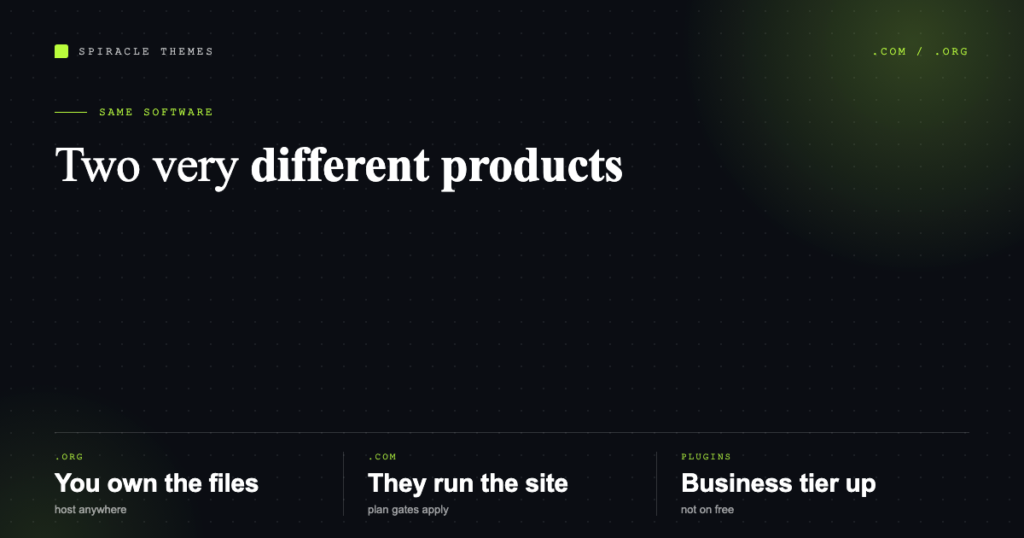
WordPress.com and WordPress.org are not two versions of the same product, and the comparison is not “free versus paid”. One is a hosting company that runs WordPress for you; the other is the software itself, which you install on hosting you choose. Almost every confused “which WordPress should I use” conversation comes down to that sentence.
Here is what each one actually gives you in 2026, what it costs, and how to move between them without losing your content.
The one-line difference
WordPress.org is the open-source software — the thing you download and install. WordPress.com is one company (Automattic) selling managed hosting on top of that software.
That means “WordPress” is not a single vendor you can be locked out of. The software is licensed under the GPL, it is what runs 39.5% of all websites according to W3Techs, and anybody can host it. WordPress.com is one of thousands of hosts; it just happens to share a name with the software, which is the single most confusing piece of branding in the industry.
What you get on WordPress.com
A site that exists the moment you sign up, with hosting, security patches, backups and a domain handled for you. You never see a server, a file manager or an SSL certificate. That is genuinely valuable if you want a site and not a hobby.
The trade-off is control. On the free and lower plans you cannot install plugins or themes, you cannot edit files, and the site carries WordPress.com branding. Plugin and theme access starts at the Business plan. You also cannot run arbitrary code, so most of the SEO plugin ecosystem, form plugins and membership plugins are unavailable until you are on a business-tier plan.
Current published prices, per month when billed yearly, excluding taxes:
| Plan | Price / month (yearly billing) | Who it suits |
|---|---|---|
| Free | US$0 | A blog on a wordpress.com address, with ads |
| Personal | US$4 (US$9 month-to-month) | A personal site or CV, no plugins |
| Premium | US$8 (US$18) | Freelancers taking payments, still no plugins |
| Business | US$25 (US$40) | Plugins and themes unlocked, real business sites |
| Commerce | US$45 (US$70) | Online stores needing ecommerce tooling |
Read the second number as well as the first. WordPress.com’s month-to-month price is roughly double the yearly-billed price, and both auto-renew.
What you get with WordPress.org
The software, and full responsibility for it. You buy a domain (roughly US$10–20 a year), you buy hosting (from a few dollars a month for shared hosting to US$30+ for managed WordPress), and you install WordPress yourself or through your host’s one-click installer.
In exchange:
- Any theme, from the 14,000+ in the official directory or a commercial one.
- Any plugin — the directory alone lists over 77,000 free plugins — plus commercial ones.
- Full file and database access, so you can migrate hosts, run staging copies, and hire any developer in the world.
- No platform branding, no ads you did not add, and no plan tier gating a feature.
- Ownership of the database. If you leave, the content leaves with you.
The cost of that freedom is the maintenance: updates, backups, security, caching and the occasional 2am problem. That is either your time or someone else’s invoice.
Side-by-side
| WordPress.com | WordPress.org (self-hosted) | |
|---|---|---|
| Cost to start | Free tier exists | Domain + hosting, ~US$60–150/yr entry |
| Setup time | Minutes | An hour, or one click from your host |
| Plugins | Business plan and above | Any, immediately |
| Themes | Limited set below Business | Any, including custom |
| File / database access | No | Full |
| Maintenance | Handled | Yours, or a care plan |
| Migration away | Export content, rebuild the rest | Copy files and database, or use a migration plugin |
| Best for | Blogs, personal sites, non-technical owners | Businesses, stores, anything needing SEO or custom features |
How to decide in under a minute
Choose WordPress.com if all of these are true: you are publishing words and images only, you do not want to think about hosting or updates, and you are comfortable paying Business-tier pricing later if you need plugins.
Choose WordPress.org if any of these are true: you need an SEO plugin, a form plugin, a membership or ecommerce plugin; you want a specific commercial theme; you employ or plan to hire a developer; you need the site to be an asset you can move.
For a business site that needs to rank, the second list nearly always wins — because the tools that produce organic traffic are exactly the ones the lower WordPress.com tiers do not allow.
Moving from WordPress.com to self-hosted
The content goes with you; the theme and widgets do not. The reliable path:
- On WordPress.com, go to Tools → Export and download the XML file. This contains posts, pages, comments and media references.
- Set up WordPress.org on your new host and install the theme you intend to use.
- Tools → Import → WordPress, upload the XML, and let the importer pull the media across. On larger sites this step times out; run it twice or import in date ranges.
- Rebuild menus, widgets and any blocks specific to the WordPress.com editor.
- Recreate redirects from old URLs if your permalink structure changes — WordPress stores the previous slug and 301s it, but only within the same site, not across domains.
- Point the domain at the new host last, once the new site works on a temporary address.
What does not transfer: WordPress.com plan credits, followers and stats history, and site verification in some third-party tools. Budget half a day for a 100-post blog, more if there is a shop attached.
Common questions
Is WordPress.com free forever?
The free plan is free but limited: a wordpress.com subdomain, WordPress.com ads, and no plugins. It is a real option for a personal blog and a poor one for a business.
Are WordPress.com and WordPress.org the same software?
Yes, under the hood — WordPress.com runs WordPress core. What differs is what is switched on: the hosting layer, the plugin access, the file access and the plan gates.
Which is better for SEO?
Self-hosted, in practice, because you control redirects, schema, sitemaps, caching, Core Web Vitals tuning and the plugins that do that work. WordPress.com can rank perfectly well, but at Business pricing and with fewer levers.
Can I use my own domain on WordPress.com?
Yes, on paid plans. The free plan stays on a wordpress.com address.
Does self-hosted WordPress cost more?
Usually less at the point where you need real features. A US$25/month Business plan plus a domain is more than decent shared hosting, a domain and the free plugins that replace the gated features — but it buys you less of your own time spent on maintenance. Neither answer is universal; the mistake is comparing the free tier to a paid one.
If you have already decided on self-hosted and the setup itself is the blocker, the two bills involved are explained in domains and hosting, and the first hour after installation is covered in just installed WordPress, now what.
